How is the "My tax return" page structured?
On the "My Tax Return" page, you will find an overview of all the important steps – from data entry to checking your tax assessment notice.
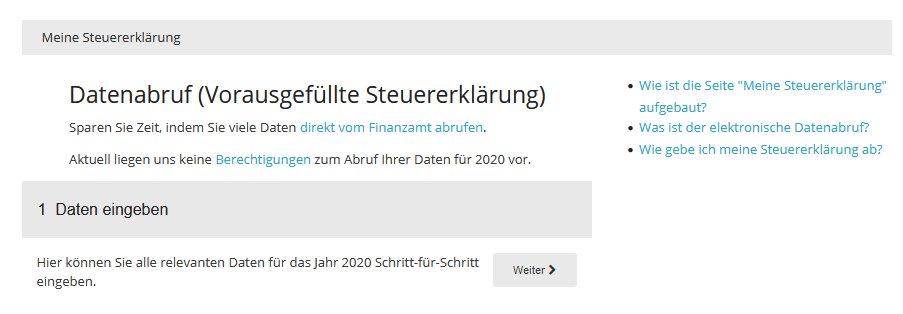
1 Enter data
In the "Enter data" section, you can enter your details for the tax return using the tax interview. The questions are organised by topic and guide you step by step through the areas relevant to your tax situation.
If you participate in the electronic data retrieval, you can directly import the tax data provided for you by the tax office.
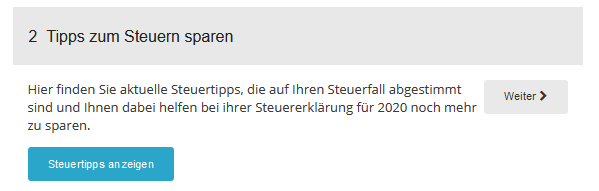
2 Tax saving tips
Here you will find individual tax tips tailored to your information. The tips help you identify possible tax advantages and make the most of tax planning opportunities.
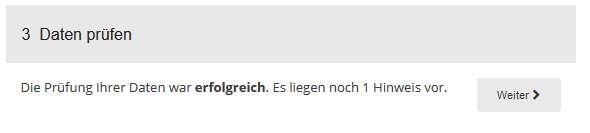
3 Check data
Before submitting your tax return, you can have your entries checked for completeness and plausibility. Any errors, missing information or contradictory entries will be identified and displayed.
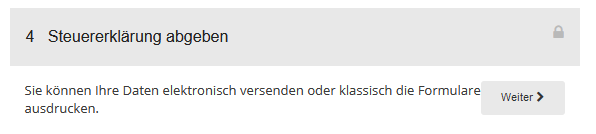
4 Submit tax return
This section takes you to the "Submission" page, where you can electronically submit your tax return to the tax office.
Note: For electronic submission, your tax return must first be paid for and activated.
After successful submission, you will find the confirmation of receipt from the tax office with the Telenumber and transfer ticket here. In addition, all important documents related to your tax return are available for download.
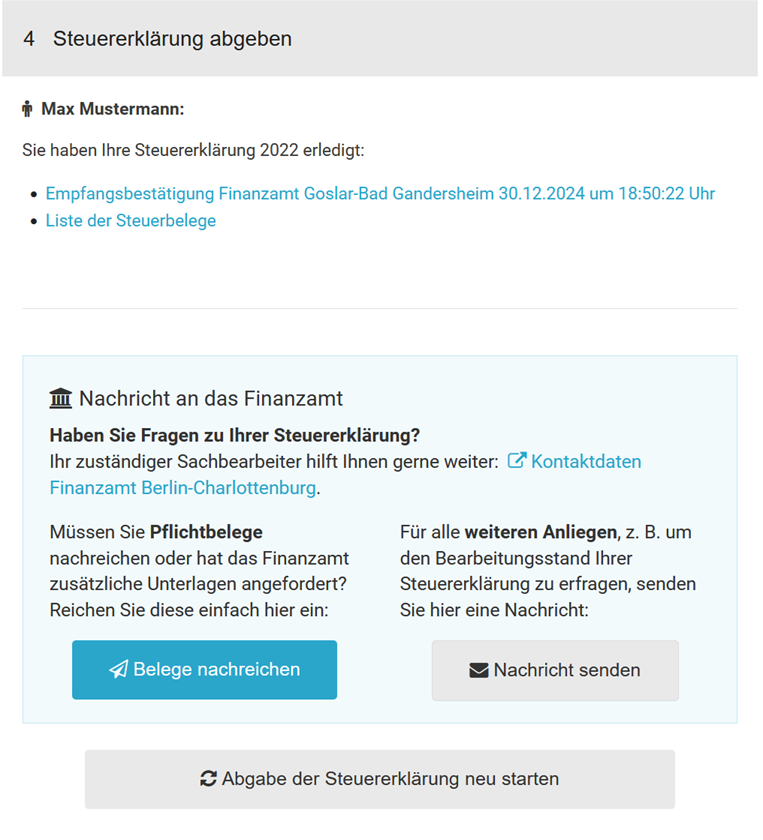
Send documents to the tax office
In all federal states, you can digitally submit required forms and evidence to the tax authorities.
Please note: Documents should generally not be submitted unsolicited. The tax authorities recommend providing evidence only upon request from the tax office.
For more information, see the section "Submit documents later".
Restart tax return submission
If you discover an error after submission, you can reset the submission process and resubmit the tax return. Then go through the individual submission steps again.
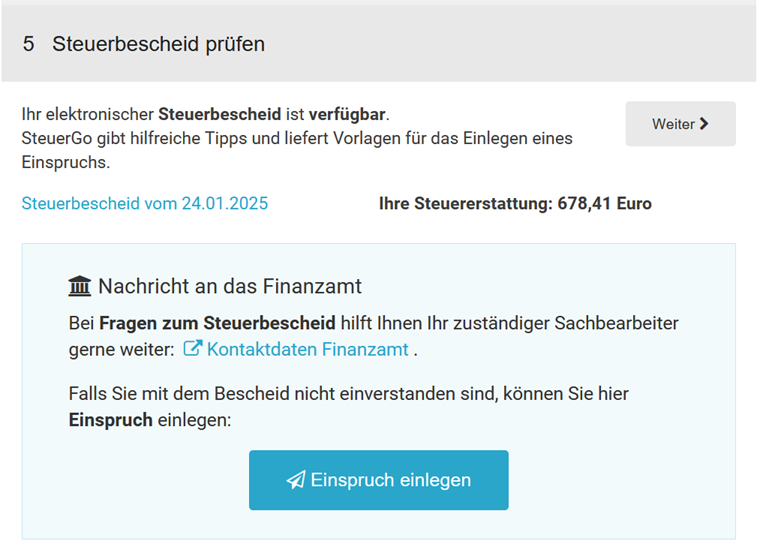
5 Check tax assessment notice
After receiving your tax assessment notice, you can compare the tax office's determinations with your tax calculation and quickly identify any discrepancies.
As soon as electronic assessment data is available, it will be automatically retrieved by SteuerGo. You will be informed of this by email.
If differences are found, SteuerGo will assist you in reviewing the discrepancies and provide helpful explanations and templates for a possible appeal.
Information about your tax office
Here you will find the address and current contact details of your responsible tax office. The tax office is automatically assigned based on the information you have selected.
The address can be automatically inserted into the address field when creating template letters.
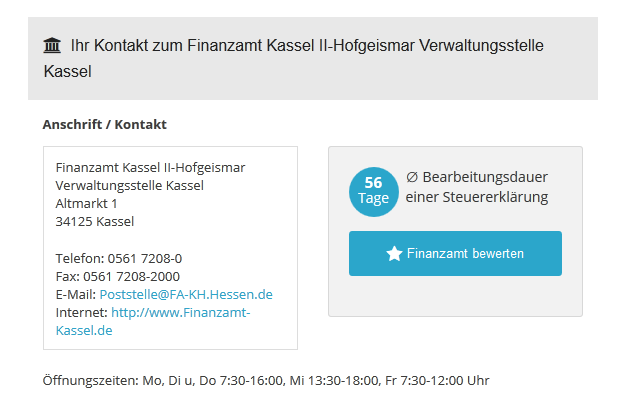
You will also receive information on the average processing time for tax returns at your tax office. The information is based on the experiences and feedback of users who have already submitted their tax return via SteuerGo.
If you have any questions about the processing status of your tax return, the contact details of the tax office are available to you directly. You can also rate your tax office and share your experiences with other users.
Template letters
In this area, you will find template letters and applications on various tax topics. The templates contain prepared standard texts and placeholders for your personal details. This allows you to quickly and easily create individual letters.
Online tax calculators
Tax regulations change regularly. New allowances, flat rates or funding opportunities often make it difficult to keep track.
With the free online tax calculators from SteuerGo, you can quickly and easily calculate various tax issues.
Text reviews: How is the "My tax return" page structured?
3.71
of 5
Number of reviews: 31